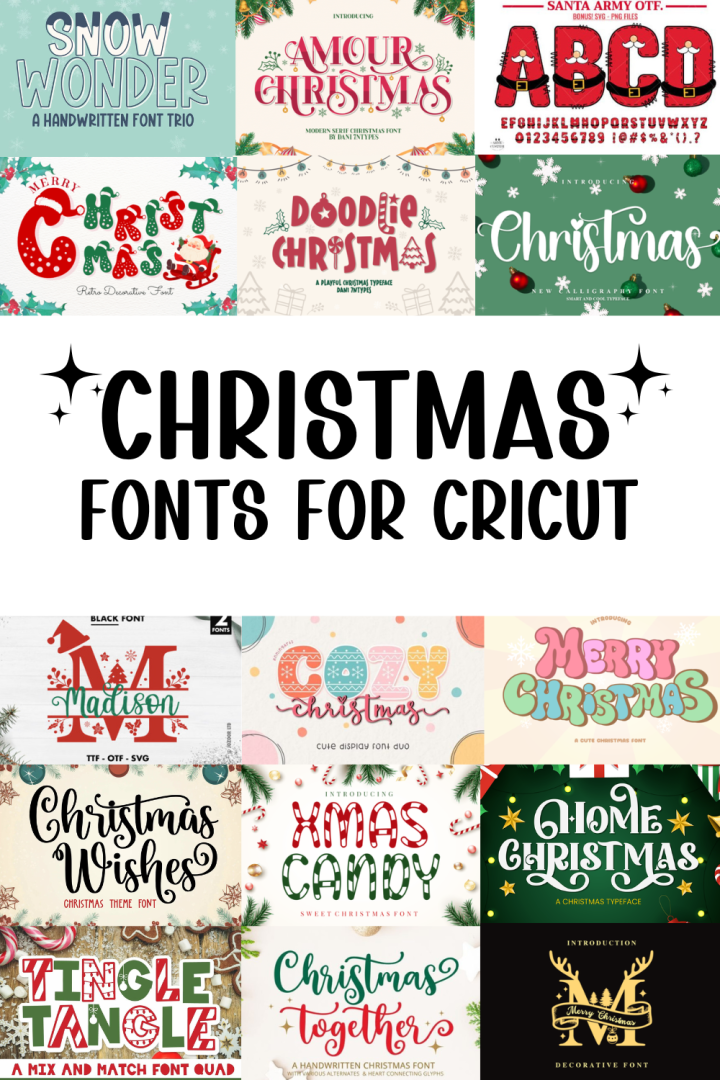
Looking to make your holiday crafts extra merry and bright this Christmas? When you’re personalizing your stockings, creating signs, or designing Christmas cards, choosing the right Christmas fonts can completely transform your Cricut projects. So here we have compiled some of the best fonts available that are suited to Cricut crafts. Below, we’ll go through how to pick a font, upload it to Cricut Design Space, and some ideas for what to make this holiday season!
What should you consider when choosing a font for Cricut projects?
When it comes to choosing fonts for your Christmas Cricut projects, a few considerations can make your project easier:
- Smooth, clean lines: Avoid super thin and overly detailed fonts if you’re cutting vinyl or cardstock. Simpler fonts weed better and will give you smooth results.
- Weld-friendly letters: Look for script fonts where the letters naturally connect. This ensures you can cut your word in one smooth piece instead of separate letters.
- Match the mood: Classic calligraphy fonts give elegant Christmas vibes, while playful handwritten styles are perfect for kids’ projects and funny quotes.
- Think about your material: Will you be using glitter vinyl, cardstock, HTV or wood? Some fonts will look better in different materials depending on the finish and texture.
Once you’ve picked your fonts from our list of best Christmas fonts for Cricut, you will need to upload into Design Space.
How do I upload a font to Cricut Design Space?
- Download your font, it will usually be as a zip file, so unzip and open the folder.
- Install it on your computer:
- On Windows, right-click the font file and select Install.
- On Mac, double-click the font file and hit Install Font.
- Open or restart Cricut Design Space. New fonts will only appear after you restart the program.
- Open a new project, click the Add Text tool from the left hand side. Ensure your text is selected and click on the Font dropdown menu. On the taskbar select System fonts, where you can select which font you have installed on your computer.
Now you are ready to design! If you would like a more in depth tutorial on how to use a font in Cricut Design Space, check out Creative Fabrica’s tutorial here. For all things Cricut text tools, the Cricut ‘working with text’ help page has instructions for everything.
Cricut Christmas Ideas
Here are a few Cricut project ideas to create with your Christmas fonts
- Personalized ornaments: Add names or quotes in a pretty script font.
- DIY gift tags: Use simple Christmas fonts for elegant card tags or vinyl stickers.
- Holiday signs & wall art: Combine a mix of script and block fonts for modern Christmas décor.
- Matching family shirts or pyjamas: Cut out phrases like “Santa Squad” or “Believe in Magic.”
- Christmas cards: Use your Cricut pen feature to draw elegant lettering with a calligraphy font.
Whether you want cozy, elegant, or cute, you’ll find the perfect match in our curated list below!
The below fonts are sourced from a variety of sources, free and paid. Some links are affiliate links which means that we may earn a commission if you purchase something from the website after clicking our link. We only promote reputable and high quality designers and websites that we have used.
The best Christmas Fonts for Cricut Projects
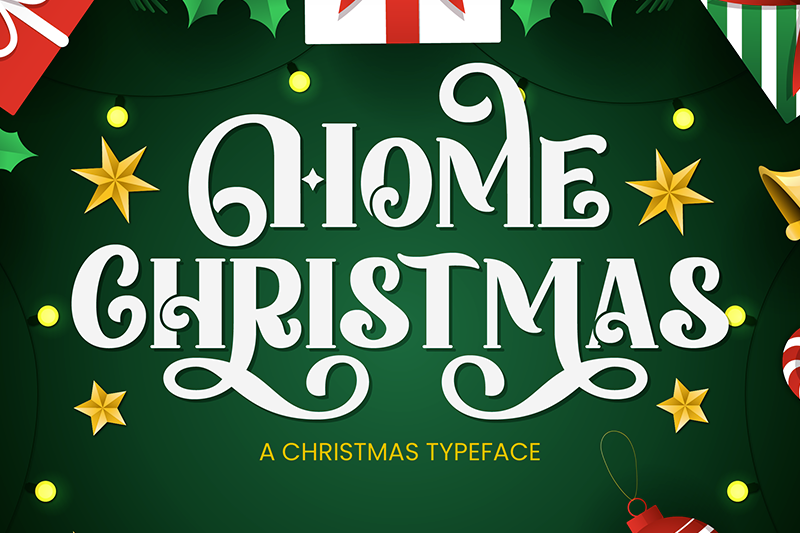
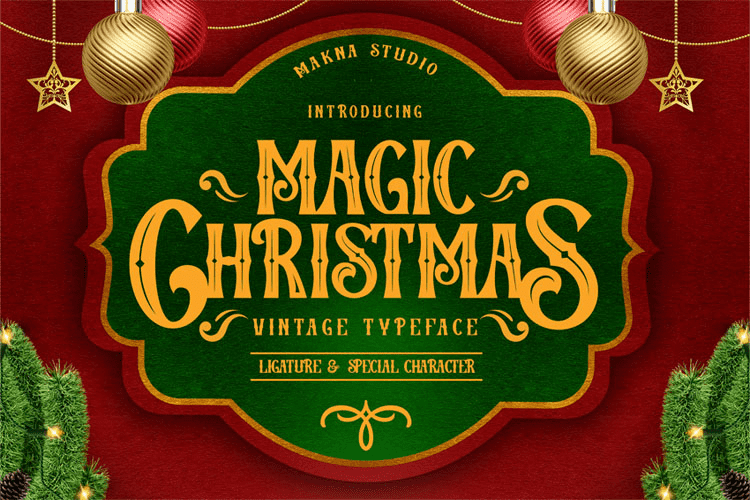
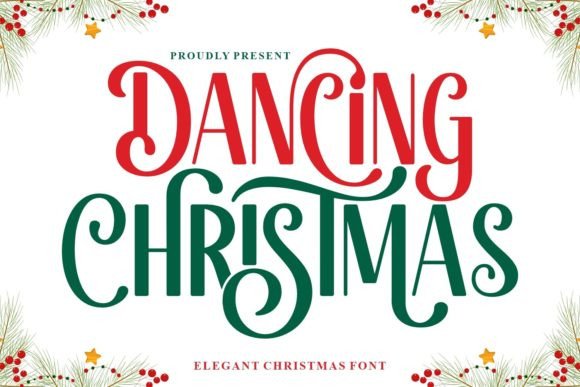
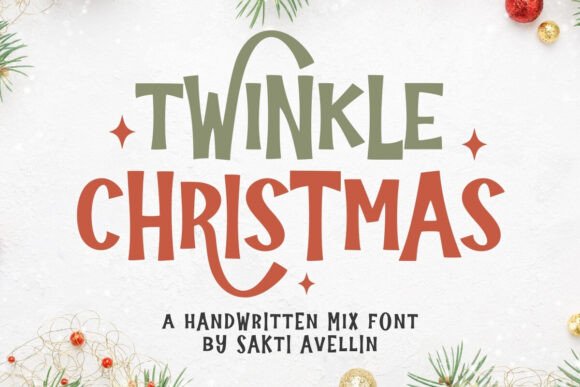
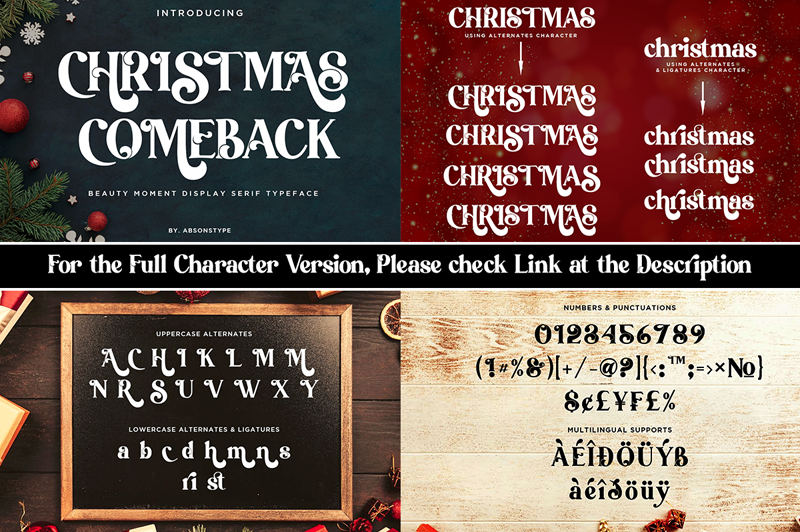
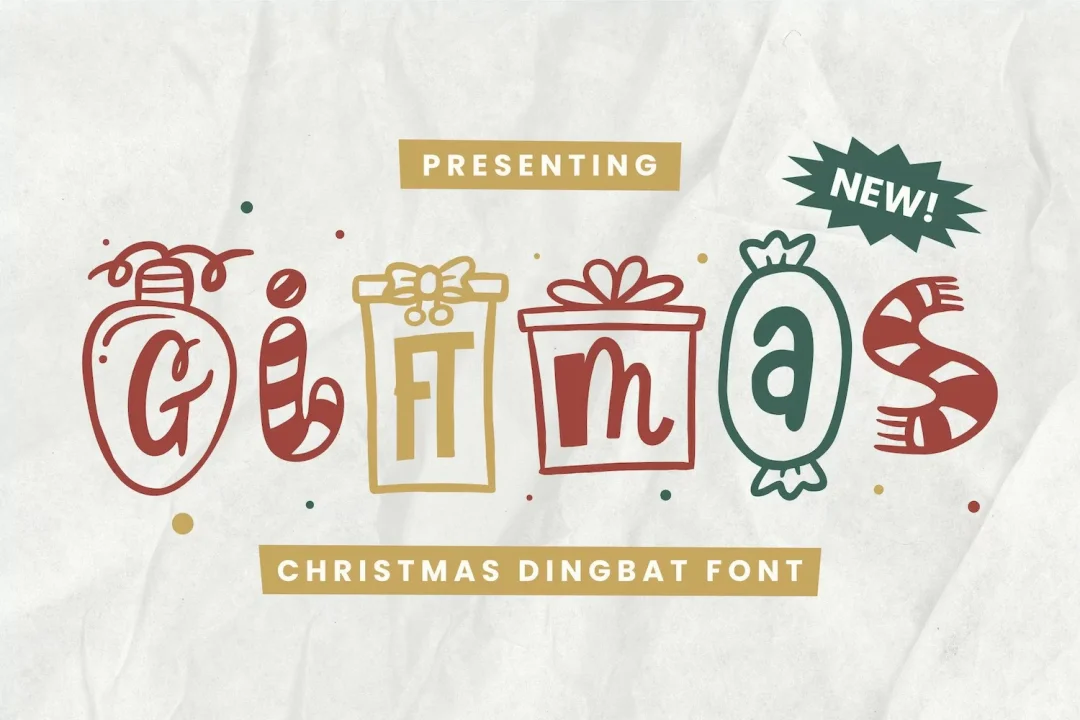
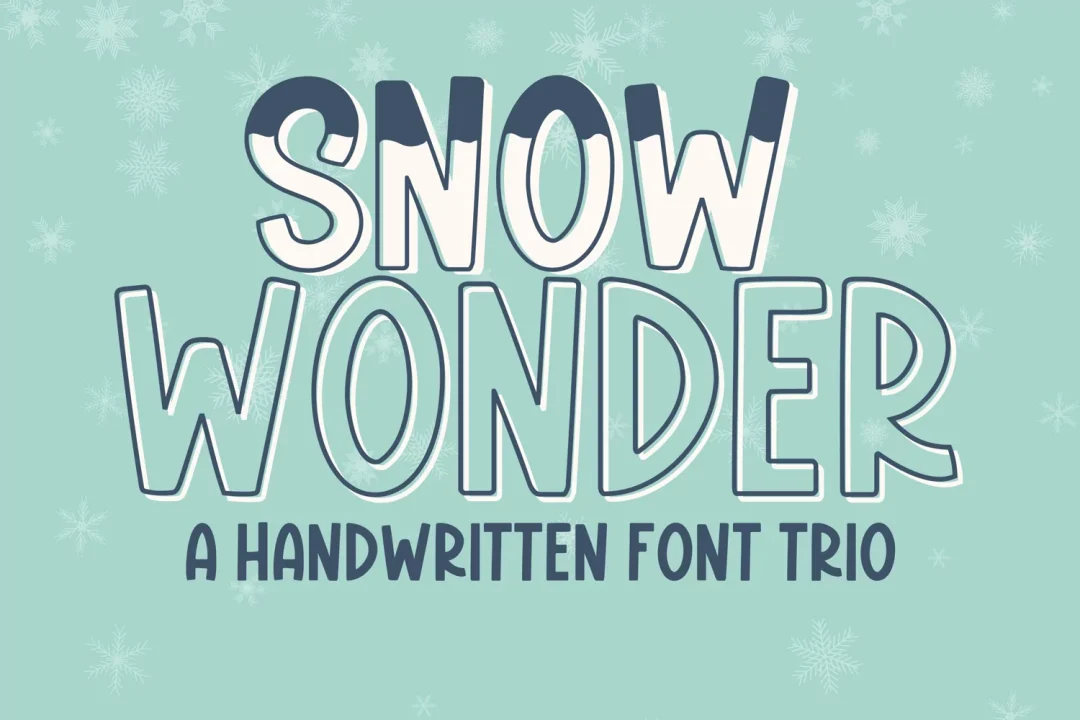
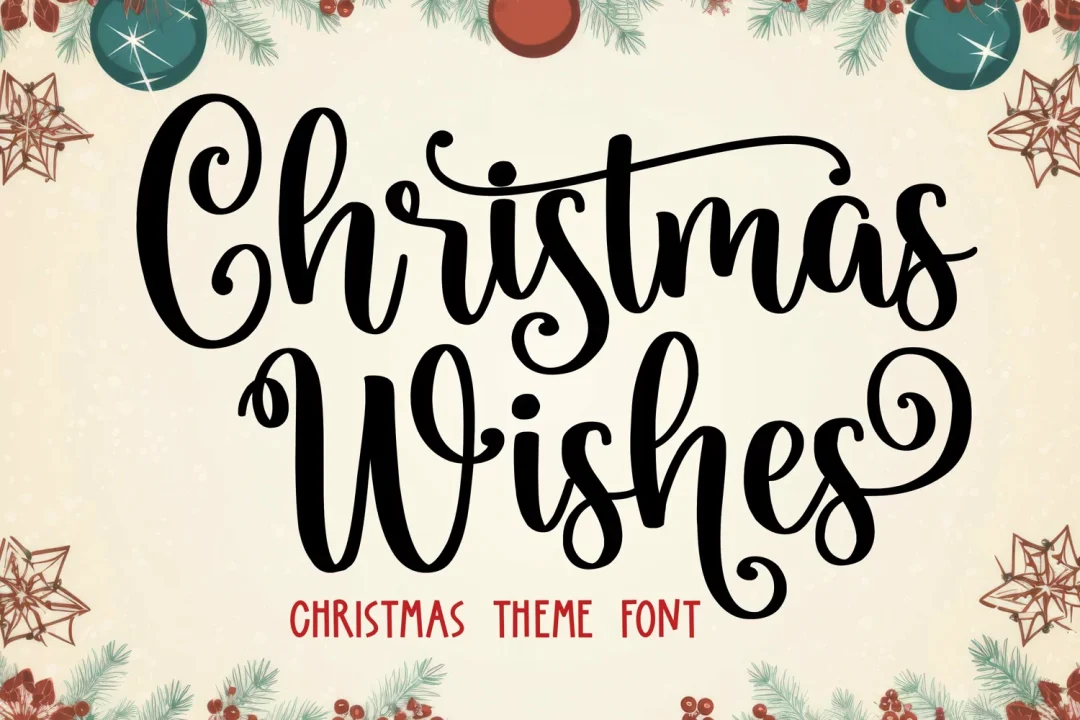
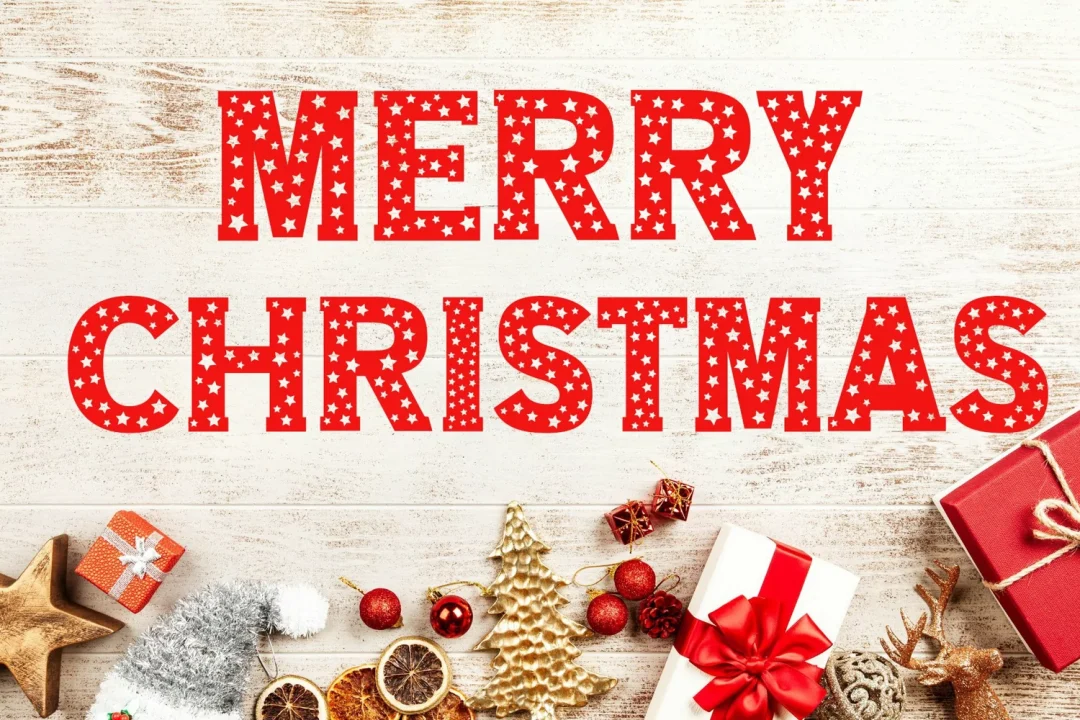
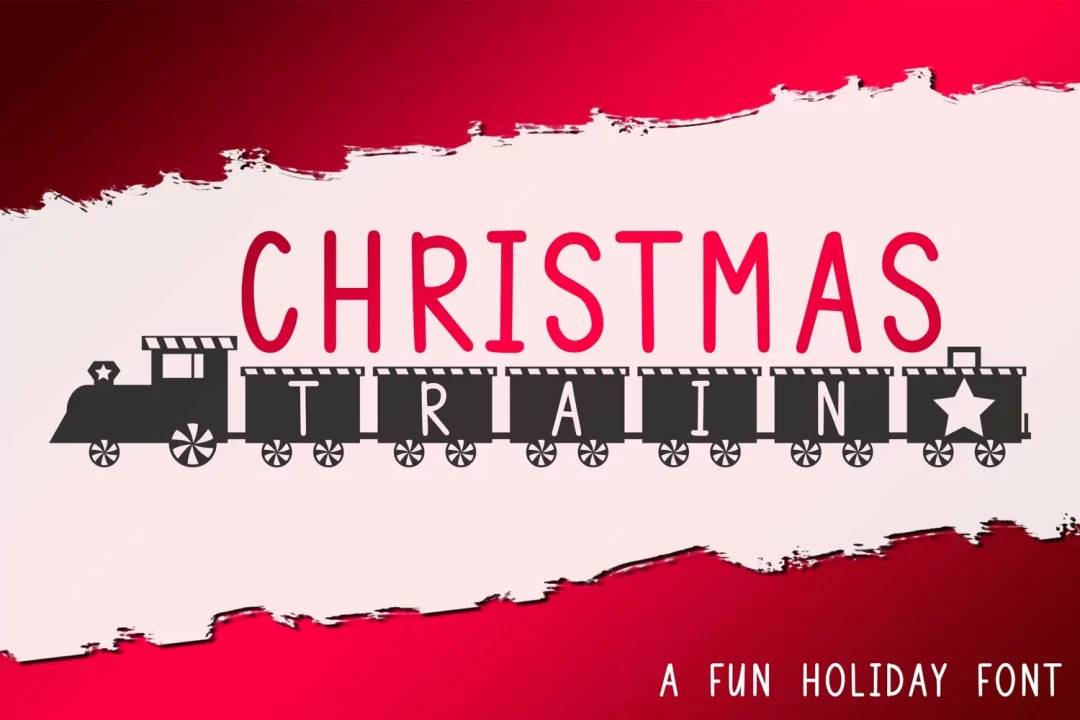
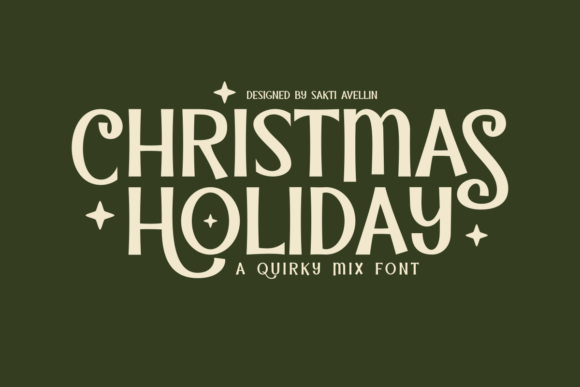
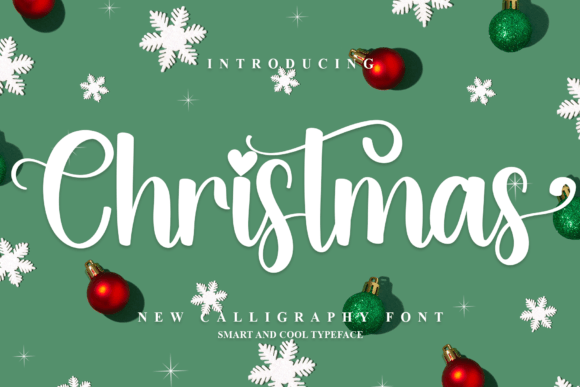
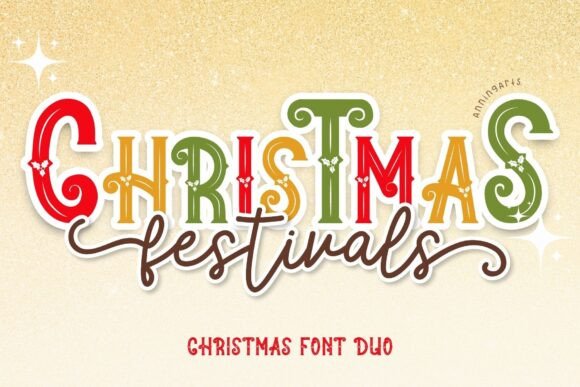
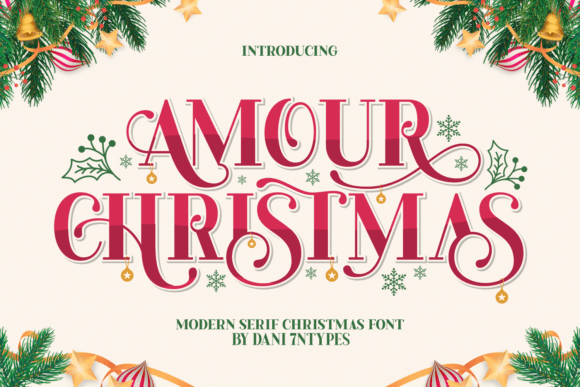
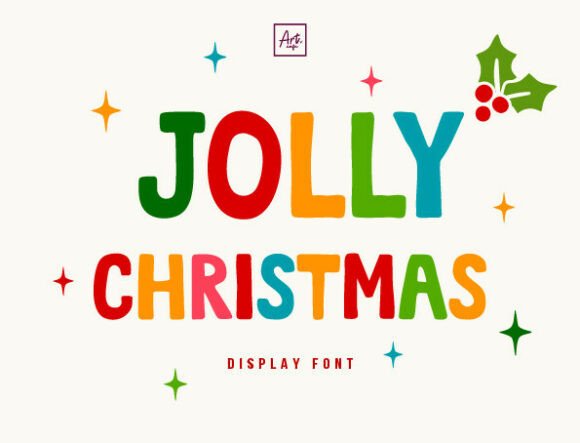
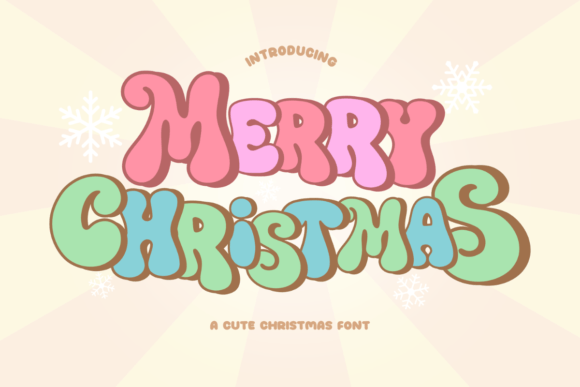
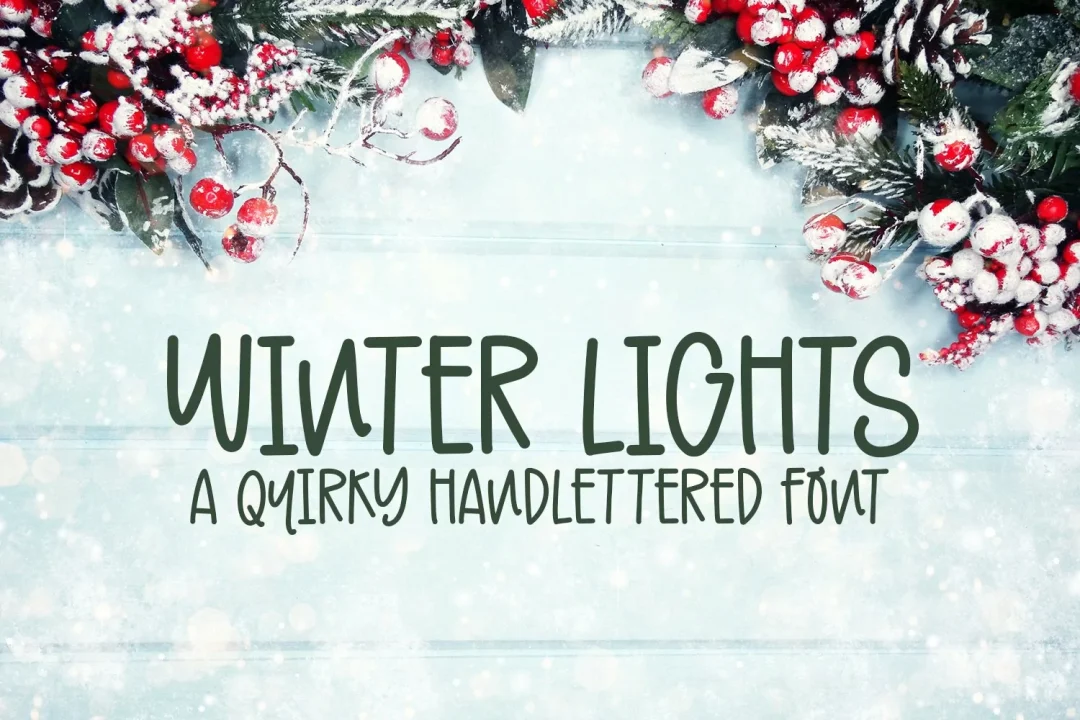
Here are some FREE Christmas fonts for Cricut projects, available from our website.
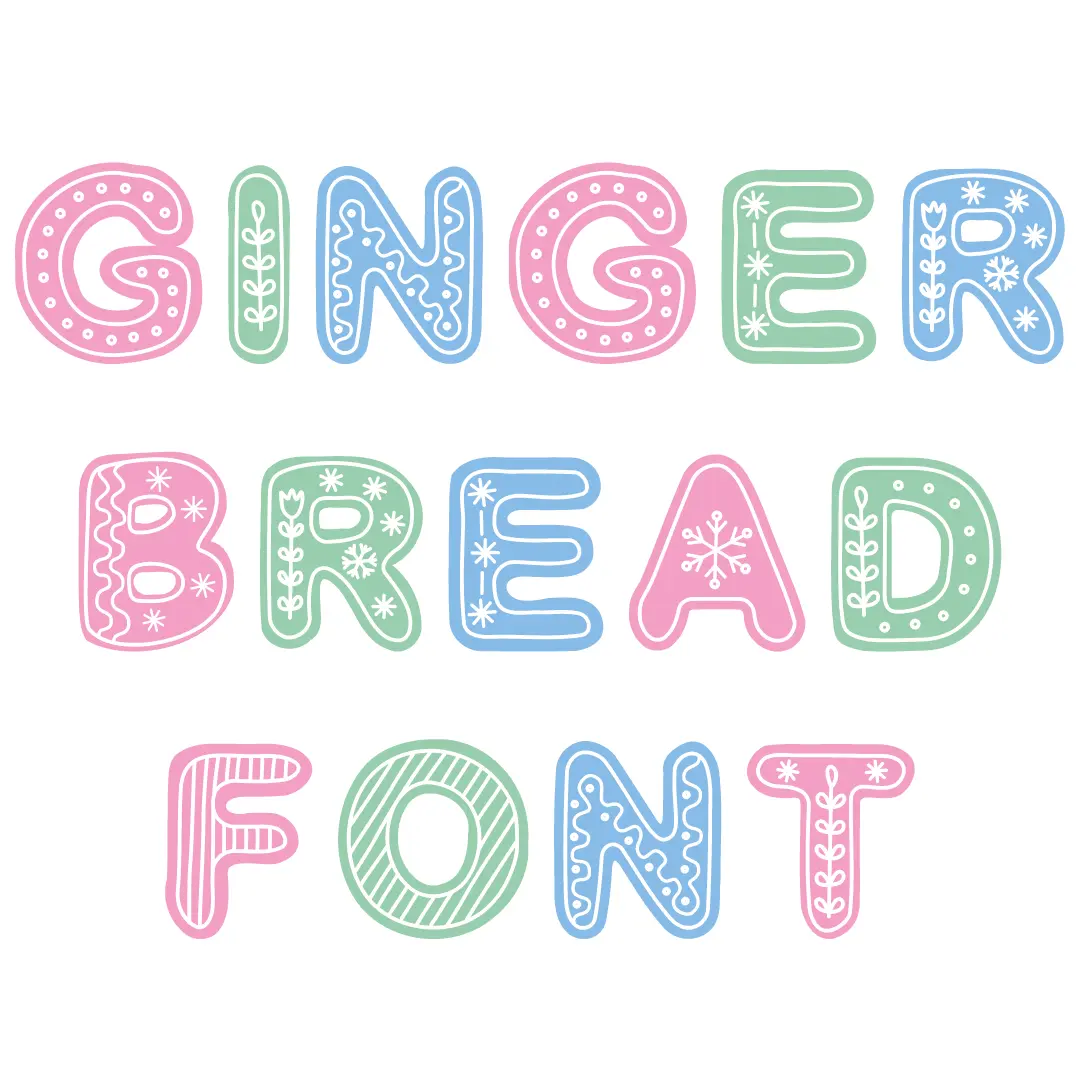

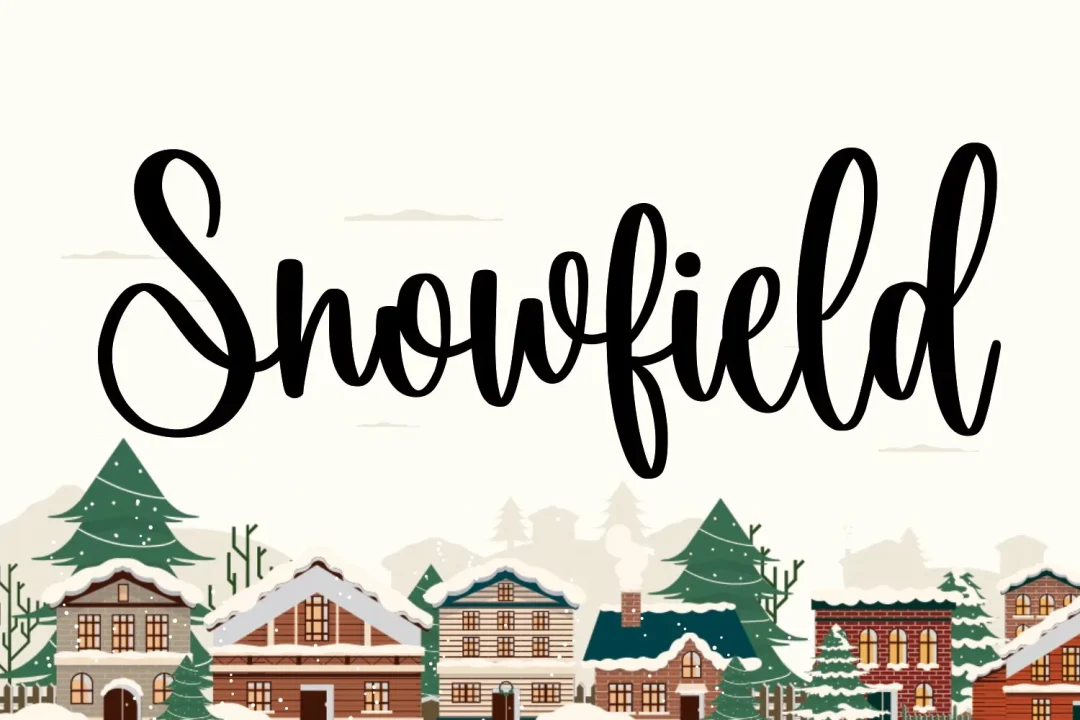
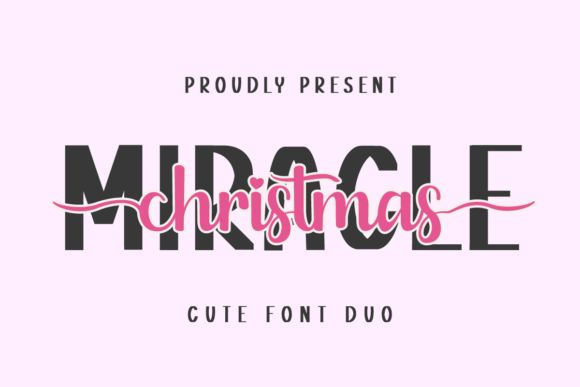
You can create some beautiful designs by combining 2 contrasting fonts like these ones.
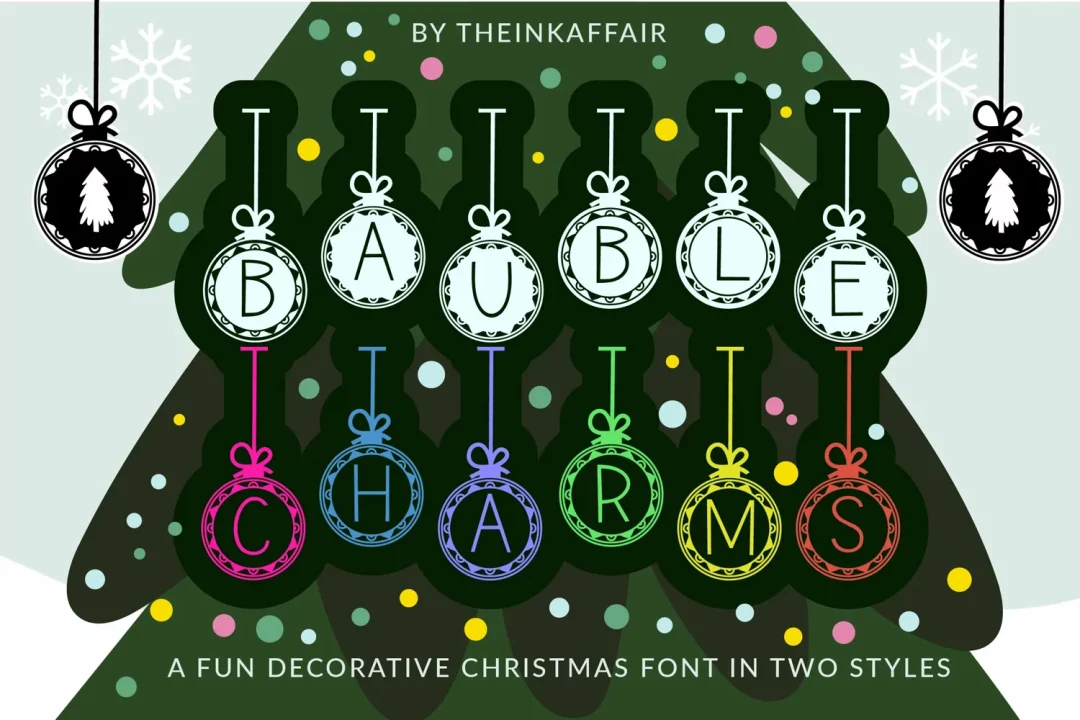
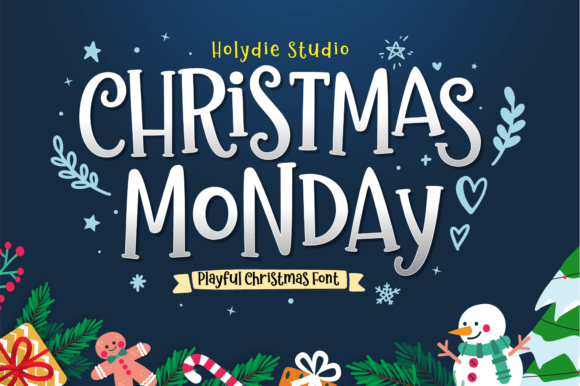
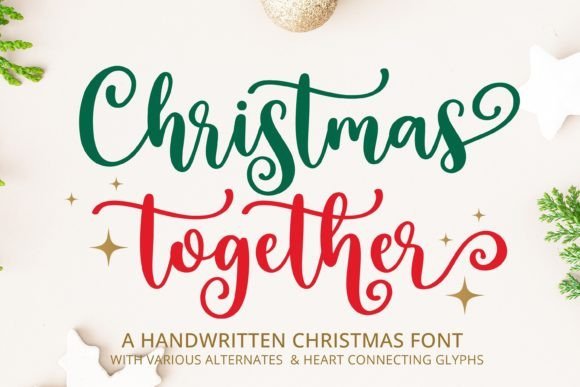
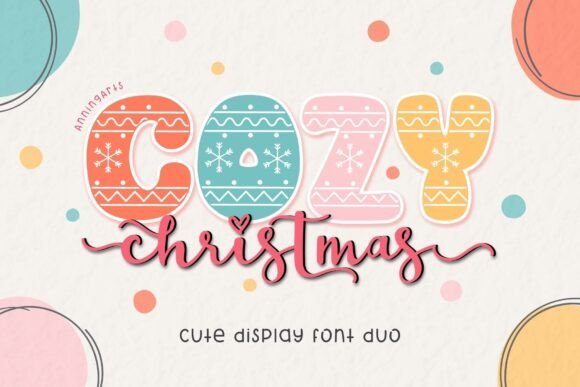
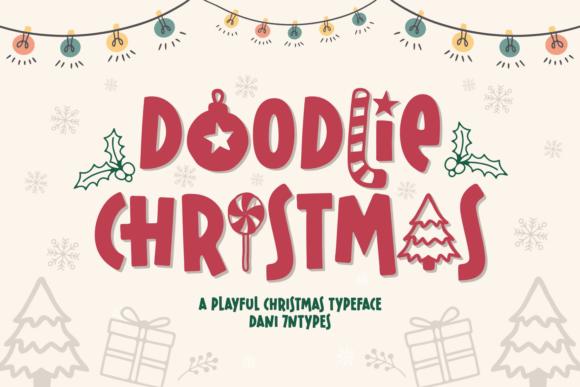
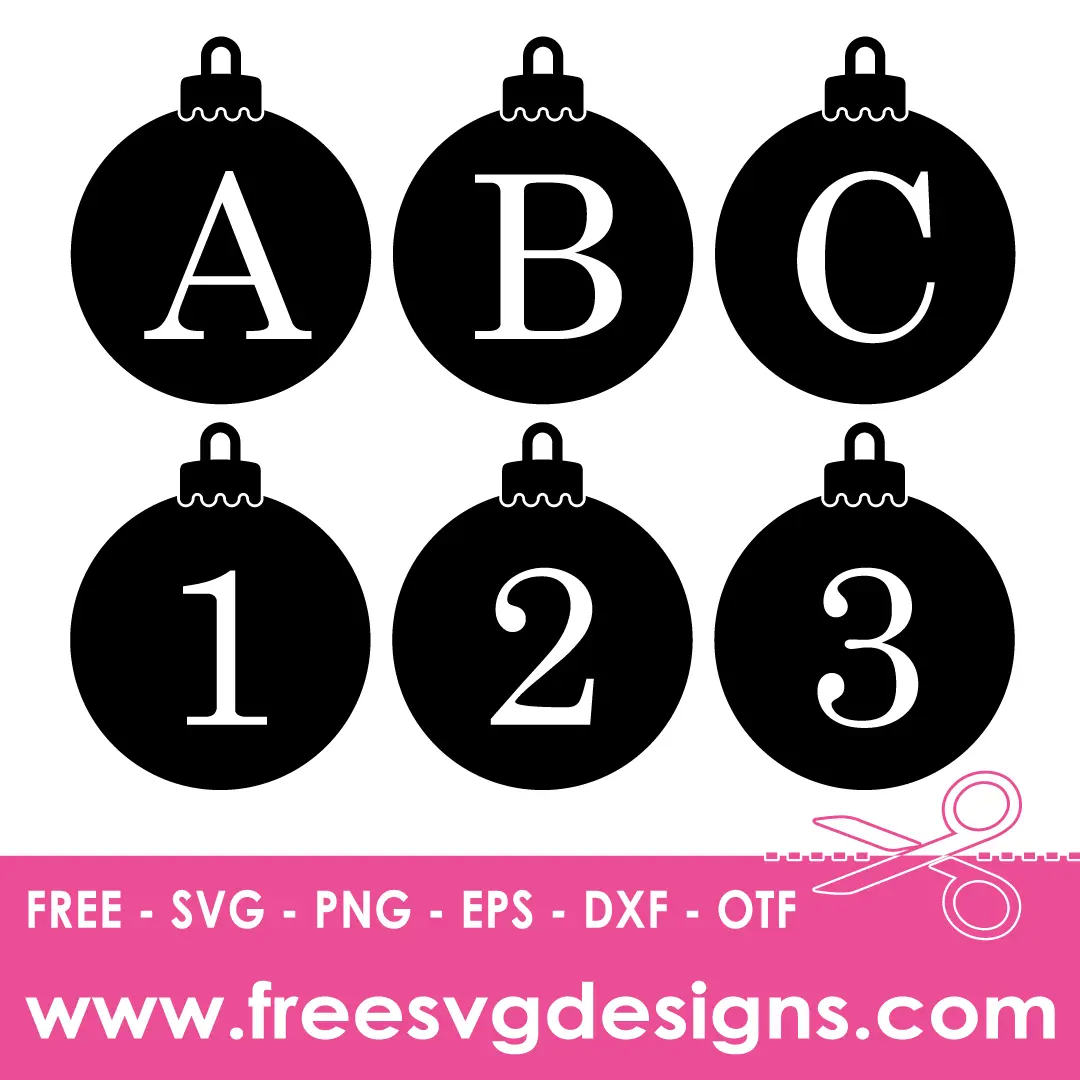
Personalise everything to create cute Christmas gifts using monogram fonts like the ones below.

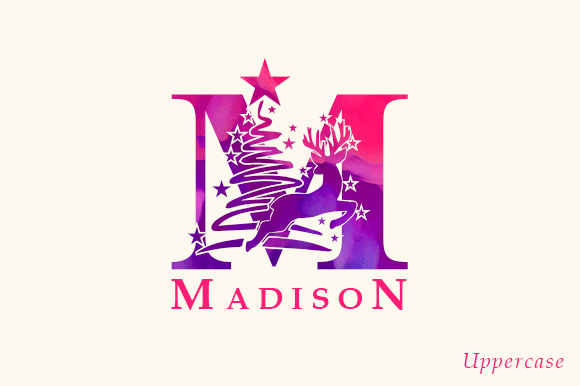
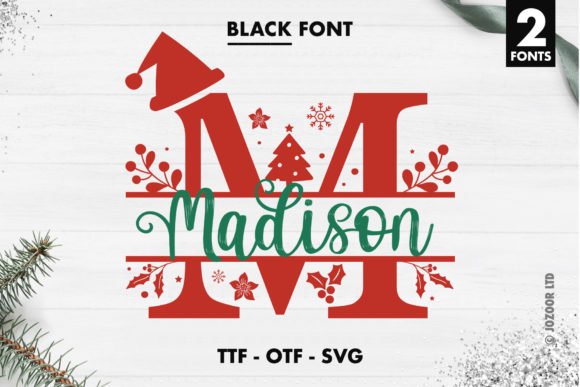
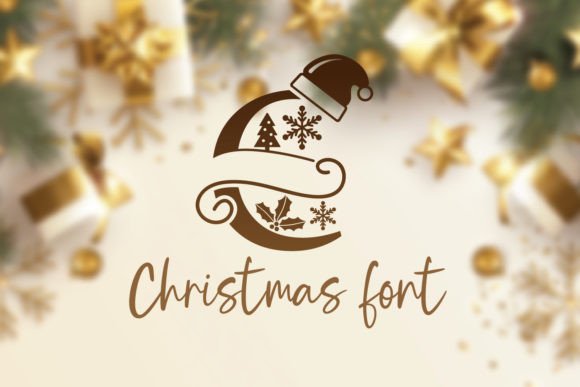
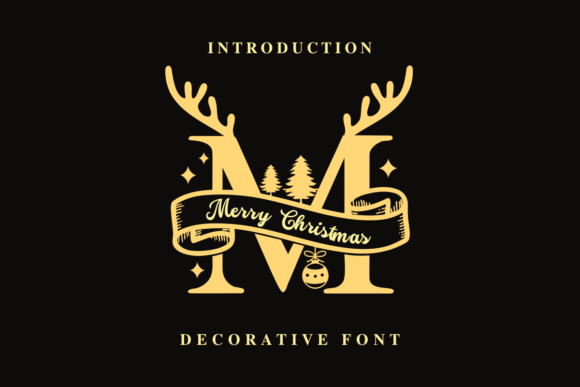
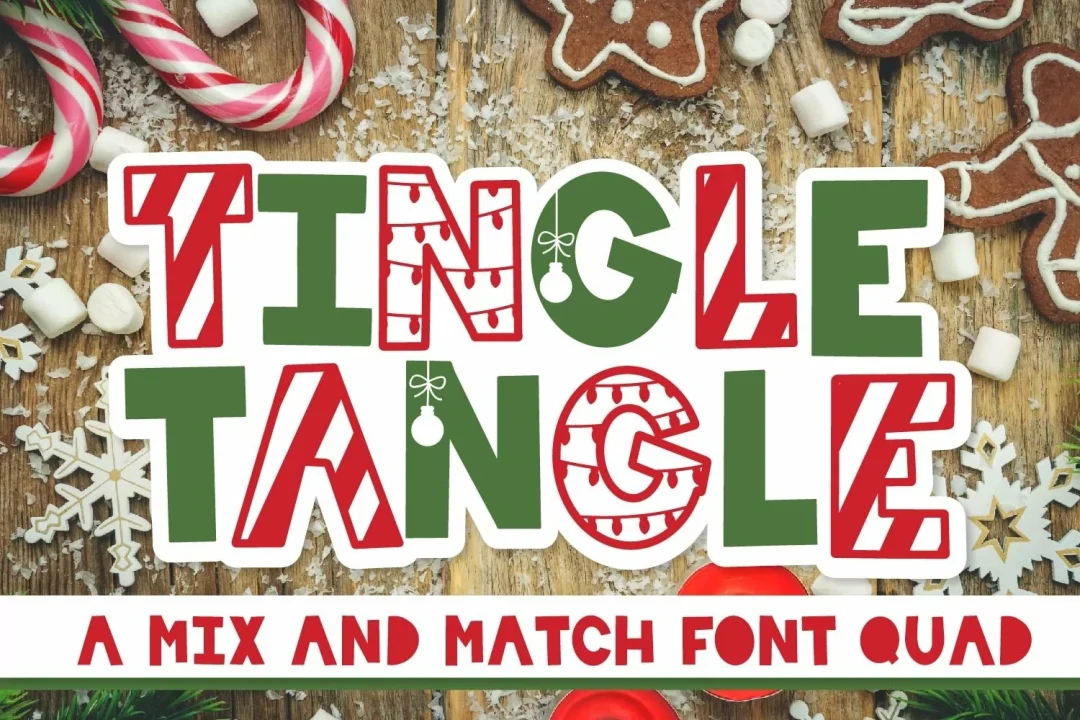
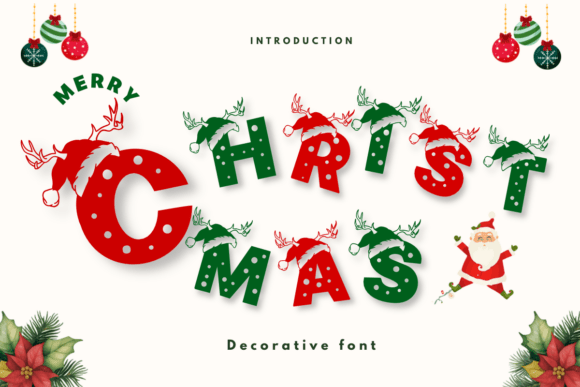
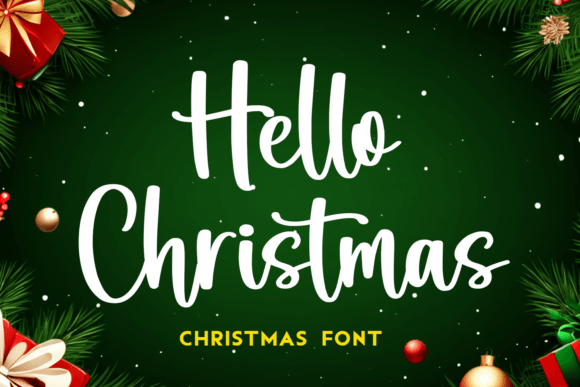
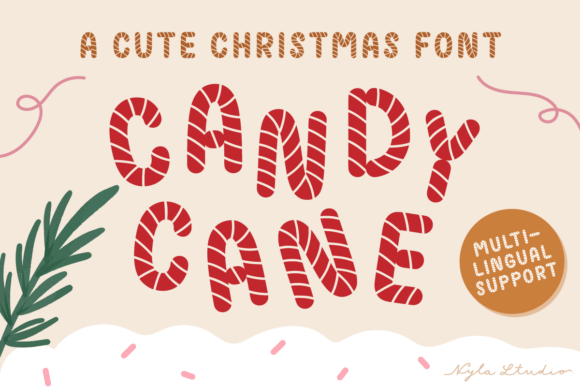
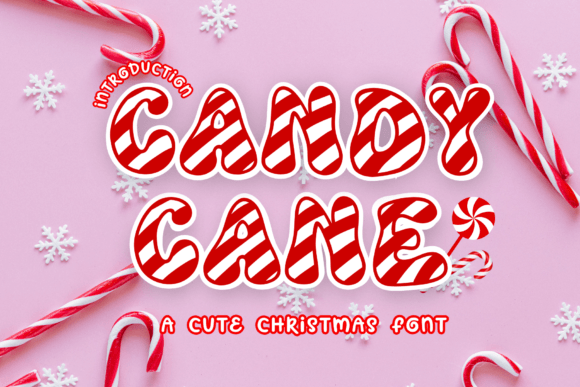
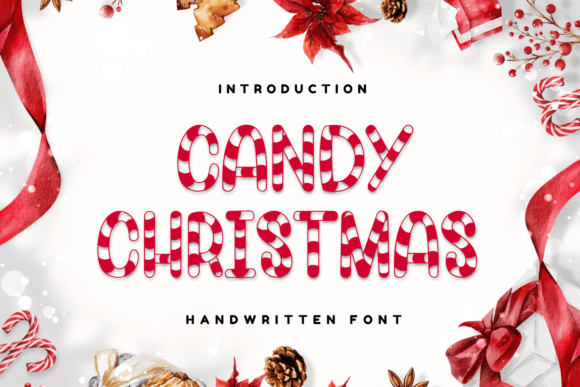
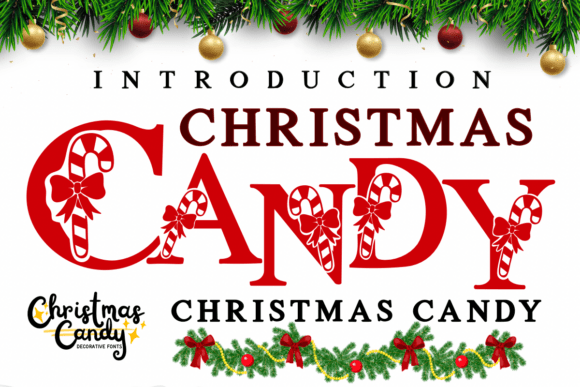
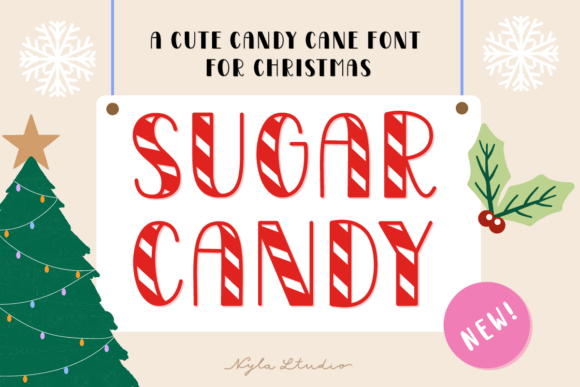
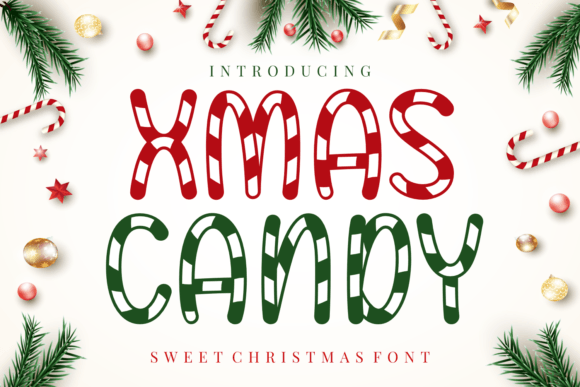
If you have a sweet tooth check out these candy cane inspired Christmas fonts!
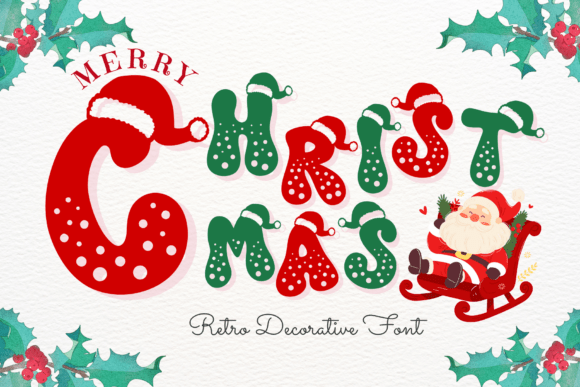
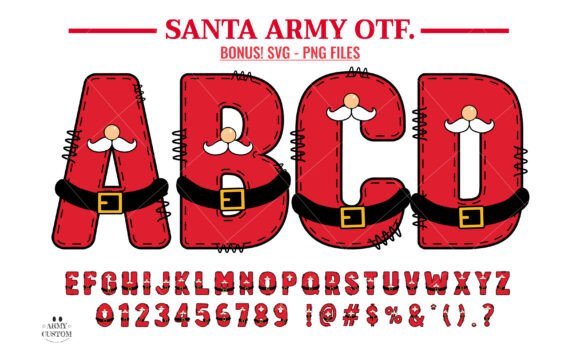
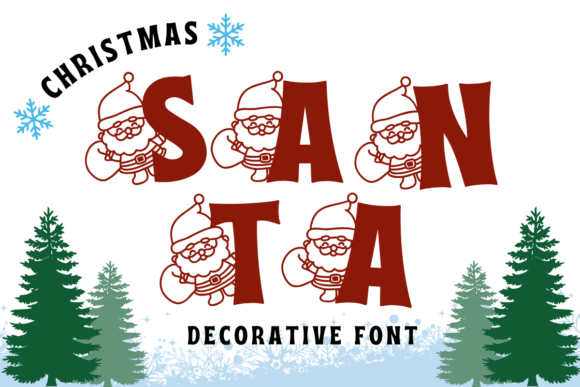
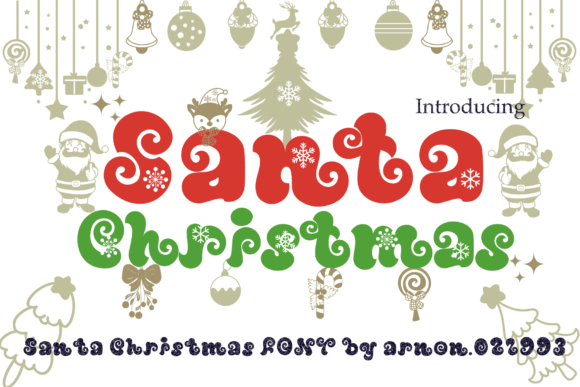
Create cute projects with these Santa Christmas fonts!
Hopefully you have found a few fabulous Christmas fonts to use in your Cricut projects! Pin this list for future reference and happy Christmas crafting!!